 English (UK)
 Polski
 Українська
 Deutsch
 Русский
 Français
 Italiano
 Español
 Nederlands
 Norsk bokmål

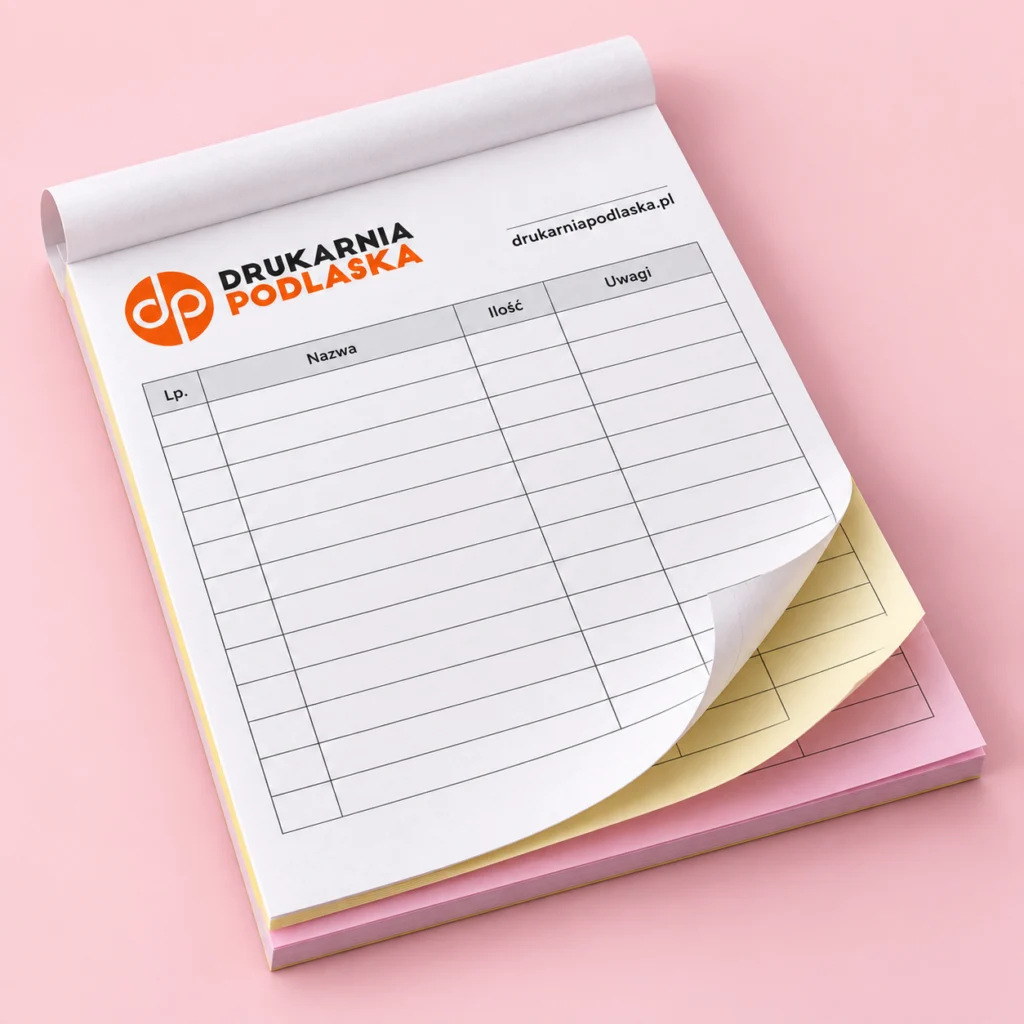
Business stationery
Carbonless forms
Self-copying pads with an original and one or two copies. Choose the format, 25 or 50 sets per pad, the glue edge, and holes. The print run means the number of entire pads.
Product specifications
- Print quantity
- 2 pcs. · 4 pcs. · 5 pcs. · 10 pcs. · 15 pcs. · 20 pcs. · 25 pcs. · 30 pcs. · 35 pcs. · 40 pcs.
- Block format
- A4 — 210 × 297 mm · A5 — 148 × 210 mm · A6 — 105 × 148 mm · DL — 99 × 210 mm
- Self-replicating kit
- Original + yellow copy · Original + yellow and pink copy
- Sets in one block
- 25 sets · 50 sets
- Gluing
- On the short side · On the long side
- Punching
- Without holes · 2 holes · 4 holes
How to prepare your artwork
Dimensions and requirements update when you change the configurator settings.
- Finished size
- 210 × 297 mm
- File with bleed
- 213 × 300 mm
- Bleed
- 1.5 mm on each side
- Safety margin
- 4 mm from the cut line; additionally avoid holes
- Safe area for text and logo
- 202 × 289 mm before subtracting holes
- Colour mode
- CMYK, no spot colours
- Photos and bitmap images
- 300 dpi at actual size (1:1)
- File format
- PDF 1.4 or later
- Number of PDF pages
- 1-page PDF – same print on original and copies
- Contents of the block
- 25 sets × 2 sheets = 50 sheets per block
- Fonts
- Embedded in the PDF
Extend the background to the edge of the bleed. Keep texts and logos within the safe area. Save the file without crop marks and guides.
Prepare one page of the form. The same print is repeated on the original and copies; the backs remain blank. The print run applies to pads, not individual sheets or sets. For the version with holes, the arrangement of the form fields and holes is checked before production. Do not place important data near the glue and do not draw holes or cutting marks. Sequential numbering is not part of this configuration.