 English (UK)
 Polski
 Українська
 Deutsch
 Русский
 Français
 Italiano
 Español
 Nederlands
 Norsk bokmål

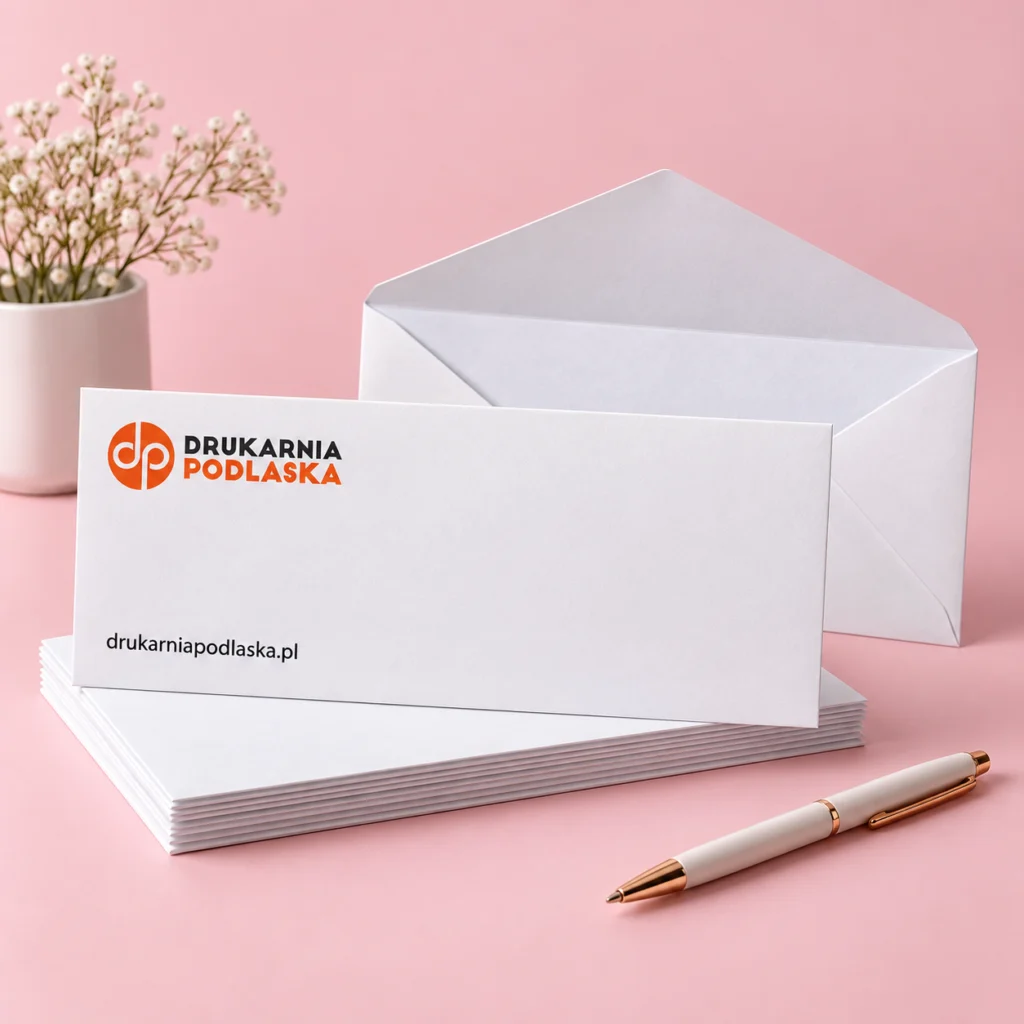
Business stationery
Printed envelopes
White envelopes without a window with colored printing. Six formats: DL, C6, C5, C4, B5, and square. Choose printing on the front or on both sides.
Product specifications
- Print quantity
- 100 pcs. · 200 pcs. · 300 pcs. · 400 pcs. · 500 pcs. · 600 pcs. · 700 pcs. · 800 pcs. · 900 pcs. · 1000 pcs. · 2000 pcs. · 3000 pcs. · 4000 pcs. · 5000 pcs.
- Format — Horizontal design layout
- DL — 220 × 110 mm · C6 — 162 × 114 mm · C5 — 229 × 162 mm · C4 — 324 × 229 mm · B5 — 250 × 176 mm · Square — 155 × 155 mm
- Paper
- White offset 80 g/m² · White offset 90 g/m²
- Printing
- Colored front (4/0) · Front and back colored (4/4)
How to prepare your artwork
Dimensions and requirements update when you change the configurator settings.
- Finished size
- 220 × 110 mm
- File with bleed
- 220 × 110 mm
- Bleed
- No bleed — printing does not extend to the edge
- Safety margin
- Place the graphic only in the designated print areas
- Safe area for text and logo
- 208 × 90 mm; x=6, y=14 mm
- Colour mode
- CMYK, no spot colours
- Photos and bitmap images
- 300 dpi at actual size (1:1)
- File format
- PDF 1.4 or later
- Number of PDF pages
- 1 PDF page — front
- Print area on the back
- No print
- Fonts
- Embedded in the PDF
Extend the background to the edge of the bleed. Keep texts and logos within the safe area. Save the file without crop marks and guides.
We calculate the x and y coordinates from the top left corner of the PDF page in the shown orientation. The file dimensions are equal to the envelope dimensions. The given fields are set back from the edges and the closure; they do not include the printing of the flap. Leave a white background outside of them. For double-sided printing, place the front first, then the back. Leave space for the address and postal markings.