 English (UK)
 Polski
 Українська
 Deutsch
 Русский
 Français
 Italiano
 Español
 Nederlands
 Norsk bokmål

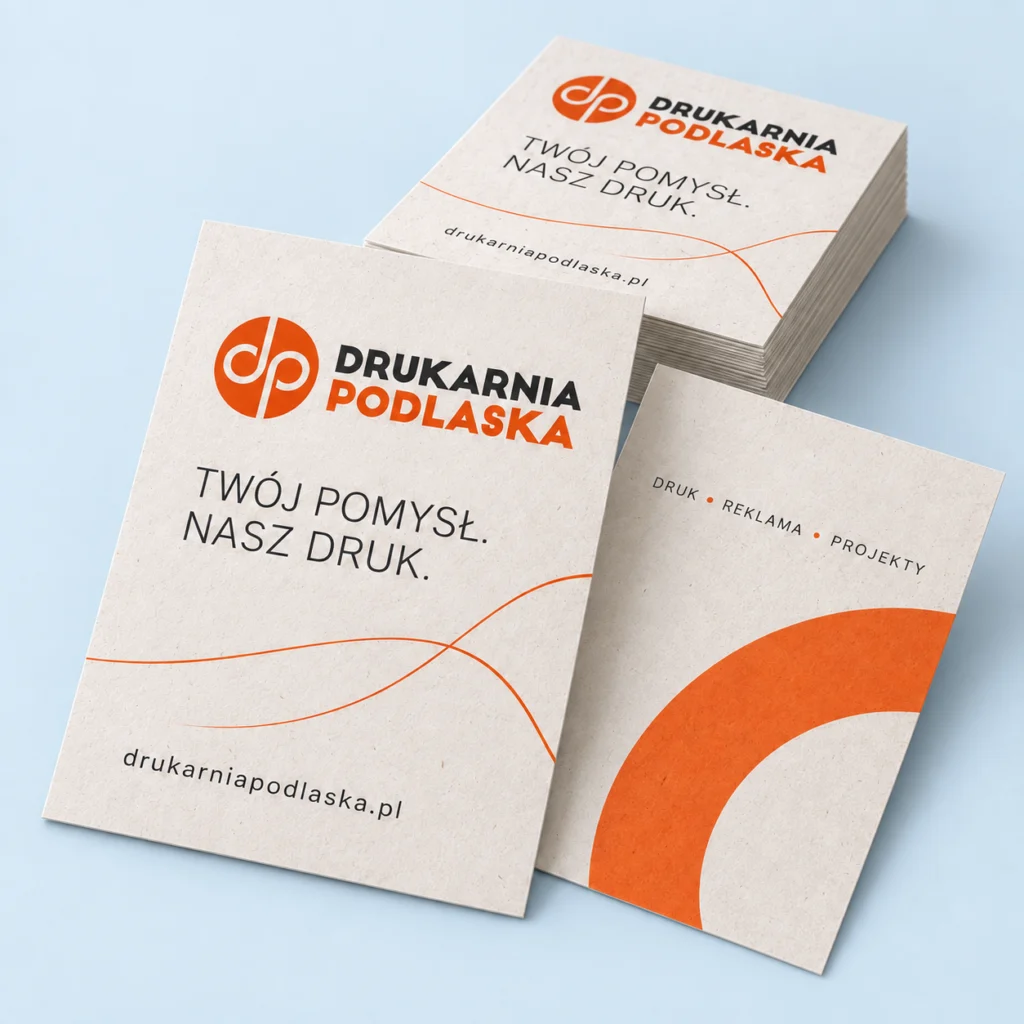
Flyers
Eco-friendly flyers
Leaflets on Nautilus Classic, Nautilus SuperWhite, or Ecco Book Cream papers, without lamination. Choose the format, paper, print, and quantity.
Product specifications
- Size
- A6 (105 × 148 mm) · DL (99 × 210 mm) · A7 (74 × 105 mm) · A5 (148 × 210 mm) · A4 (210 × 297 mm) · A3 (297 × 420 mm)
- Printing
- Full colour, both sides (4/4) · Full colour, one side (4/0)
- Print quantity
- 50 pcs. · 100 pcs. · 200 pcs. · 250 pcs. · 500 pcs. · 1000 pcs. · 2500 pcs. · 5000 pcs. · 10000 pcs. · 15000 pcs. · 20000 pcs. · 25000 pcs. · 30000 pcs. · 40000 pcs. · 50000 pcs. · 75000 pcs. · 100000 pcs.
- Paper
- Nautilus Classic 120 g/m² · Nautilus Classic 80 g/m² · Nautilus Classic 250 g/m² · Nautilus SuperWhite 80 g/m² · Nautilus SuperWhite 135 g/m² · Nautilus SuperWhite 250 g/m² · Ecco Book Cream 70 g/m²
How to prepare your artwork
Dimensions and requirements update when you change the configurator settings.
- Finished size
- 105 × 148 mm
- File with bleed
- 108 × 151 mm
- Bleed
- 1.5 mm on each side
- Safety margin
- 4 mm inwards from the trim line
- Safe area for text and logo
- 97 × 140 mm
- Colour mode
- CMYK, no spot colours
- Photos and bitmap images
- 300 dpi at actual size (1:1)
- File format
- PDF 1.4 or later
- Number of PDF pages
- 2 pages: front and back
- Fonts
- Embedded in the PDF
Nautilus Classic 120 g/m². Printing without lamination.
Extend the background to the edge of the bleed. Keep texts and logos within the safe area. Save the file without crop marks and guides.
The project can be vertical or horizontal. When changing orientation, swap the width with the height. For double-sided printing, both sides of the PDF must have the same size and orientation.